
The custom dashboards can be deleted when they are no longer needed. Deleting a custom dashboard permanently removes its layout and widgets.
To delete a custom dashboard:
-
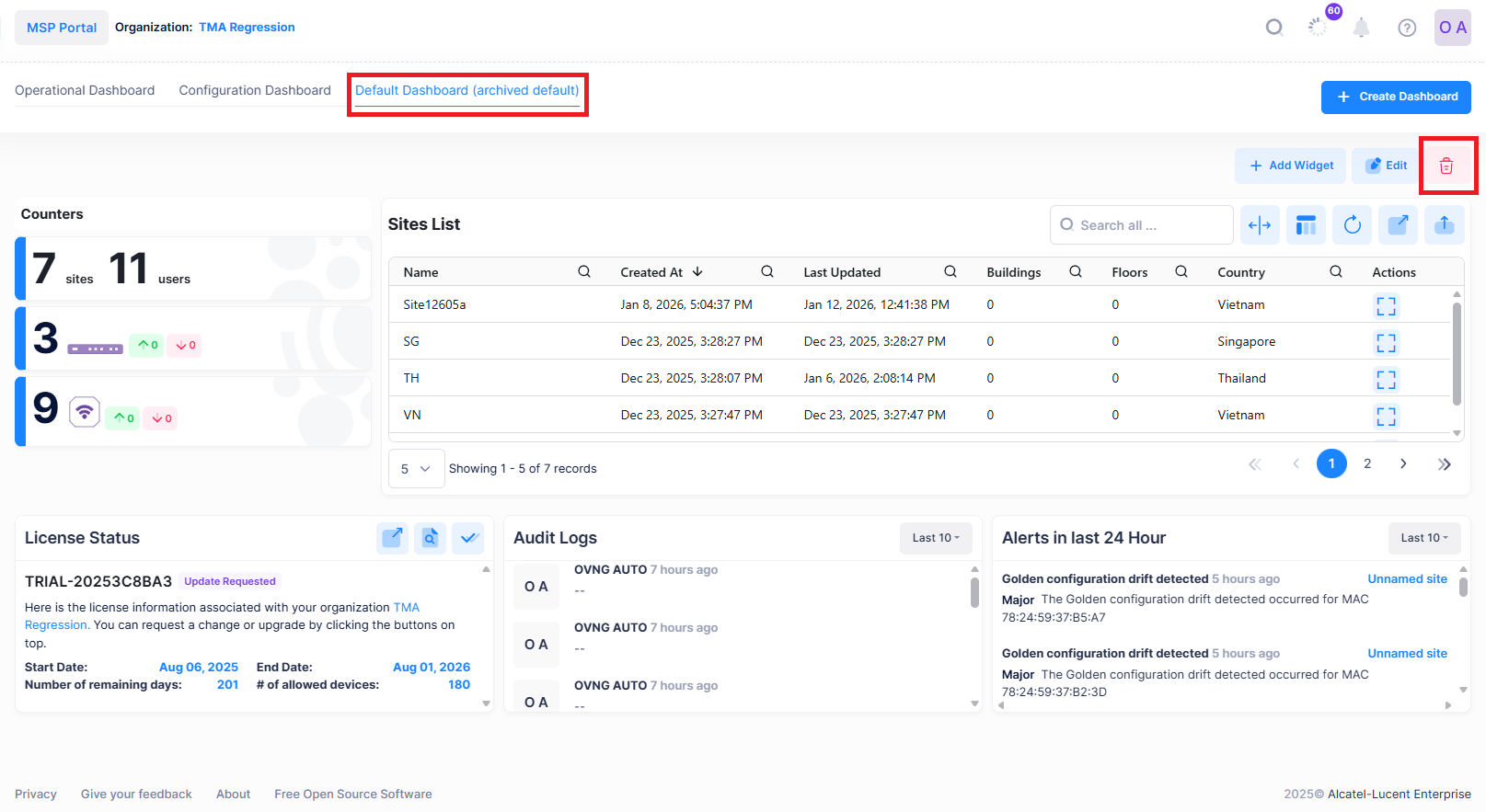
Go to the Organization Dashboard screen. Click on the Custom Dashboard. In the following screen Default Dashboard (archived default) is the custom dashboard.
-
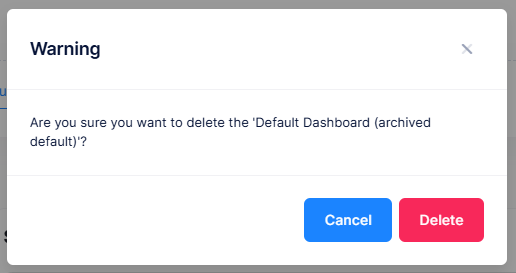
Click on delete icon in the right top corner of the screen. The Warning window is displayed.
-
Click on Delete to delete the custom dashboard. The custom dashboard is deleted successfully.