
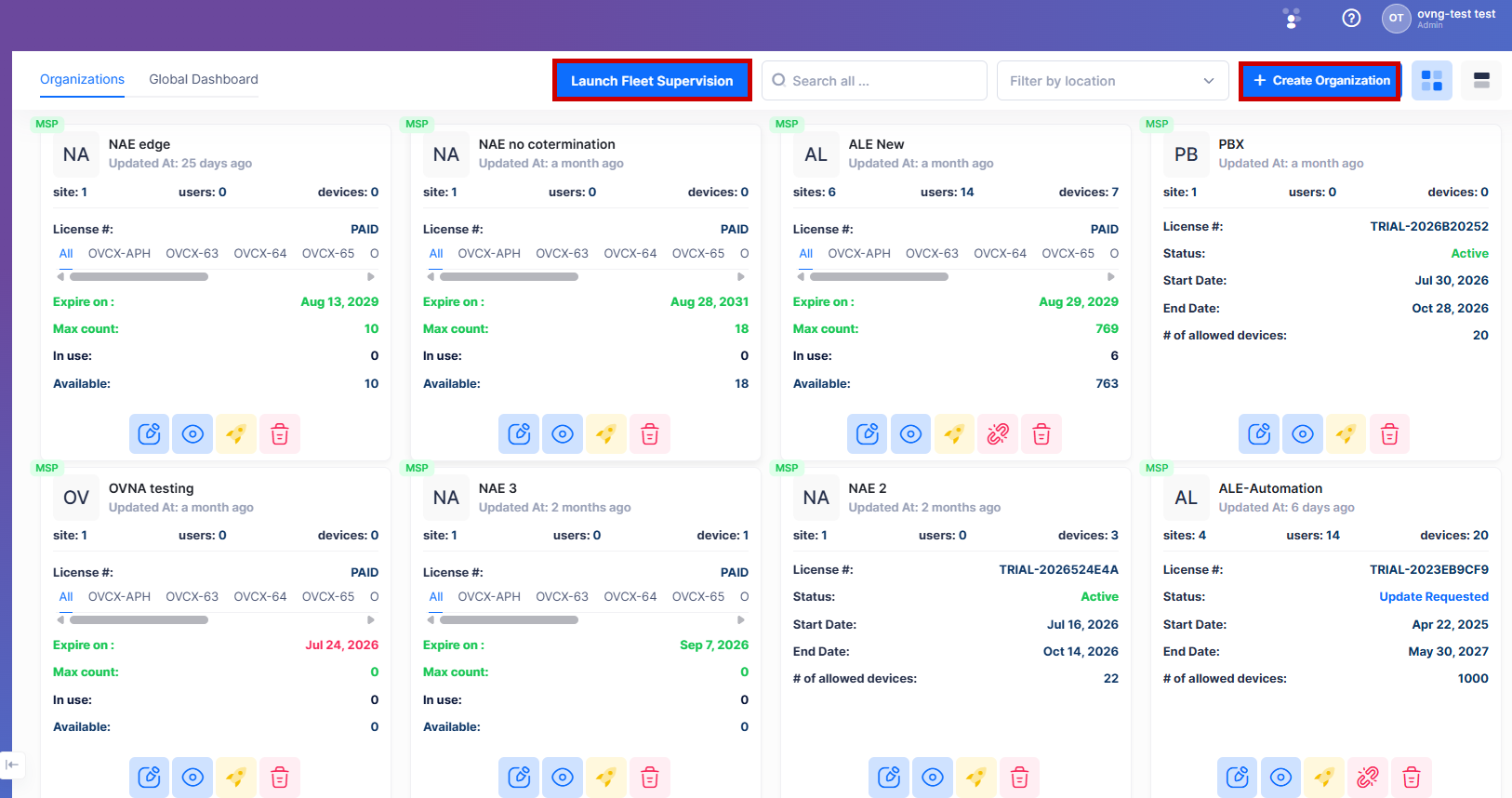
You can access the Fleet Supervision services from the MSP dashboard. Click on the Launch Fleet Supervision tab to access the Fleet Supervision Login screen.
You are redirected to the Fleet URL, https://myfleet.ovcirrus.com/signin. The following sign-in page appears:
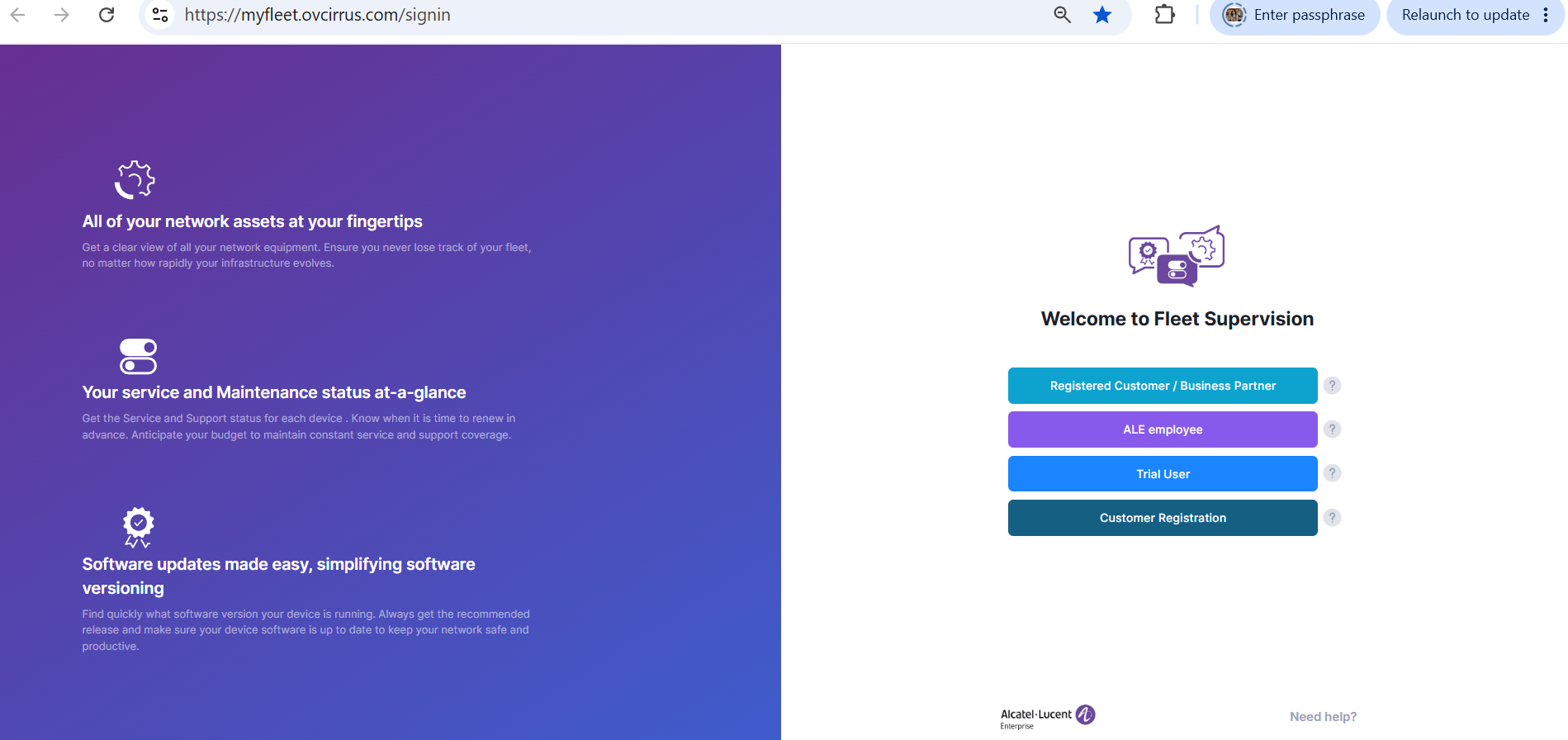
Sign in or sign up to access your Fleet account and manage Fleet services.