
This section displays the list of action logs performed by the supervisor in the supervised company within the specified time range. To access the Activity Logs screen, click the Supervision > Activity Logs option under the Fleet Supervision menu.
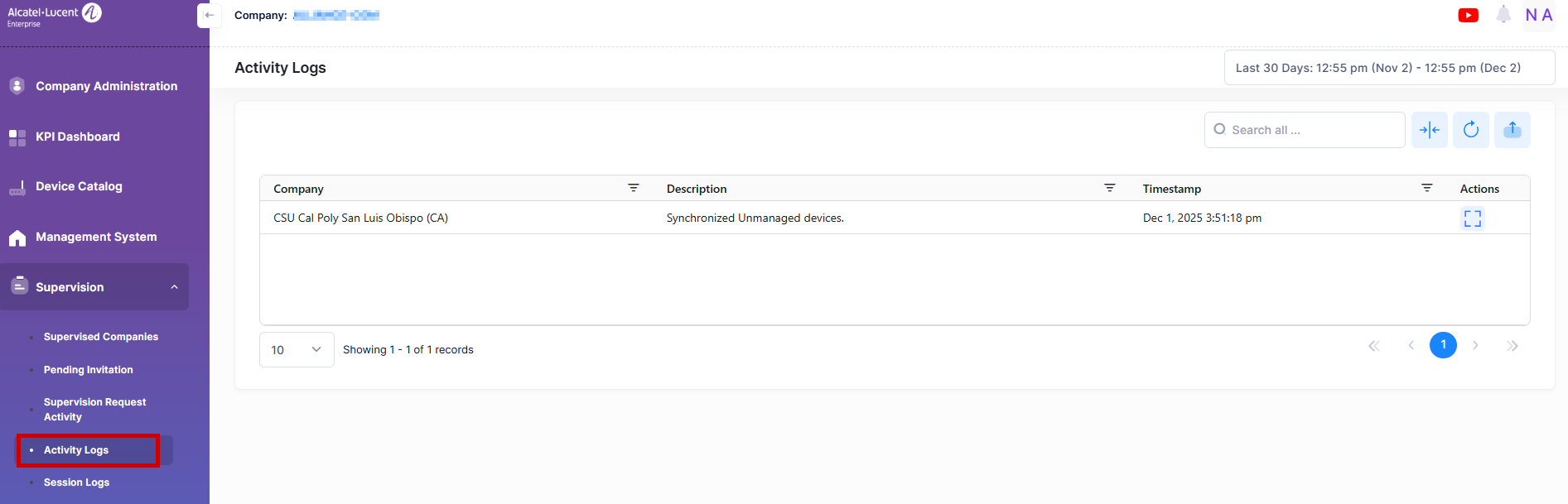
Data displayed in each widget can be exported into an Excel sheet format. You can also switch the widgets to full-screen mode for a better display.
The information displayed on this screen is defined below:
-
Company - The name of the supervised company.
-
Description - The description of the activity.
-
Timestamp - Specifies the date and time at which the action has been performed