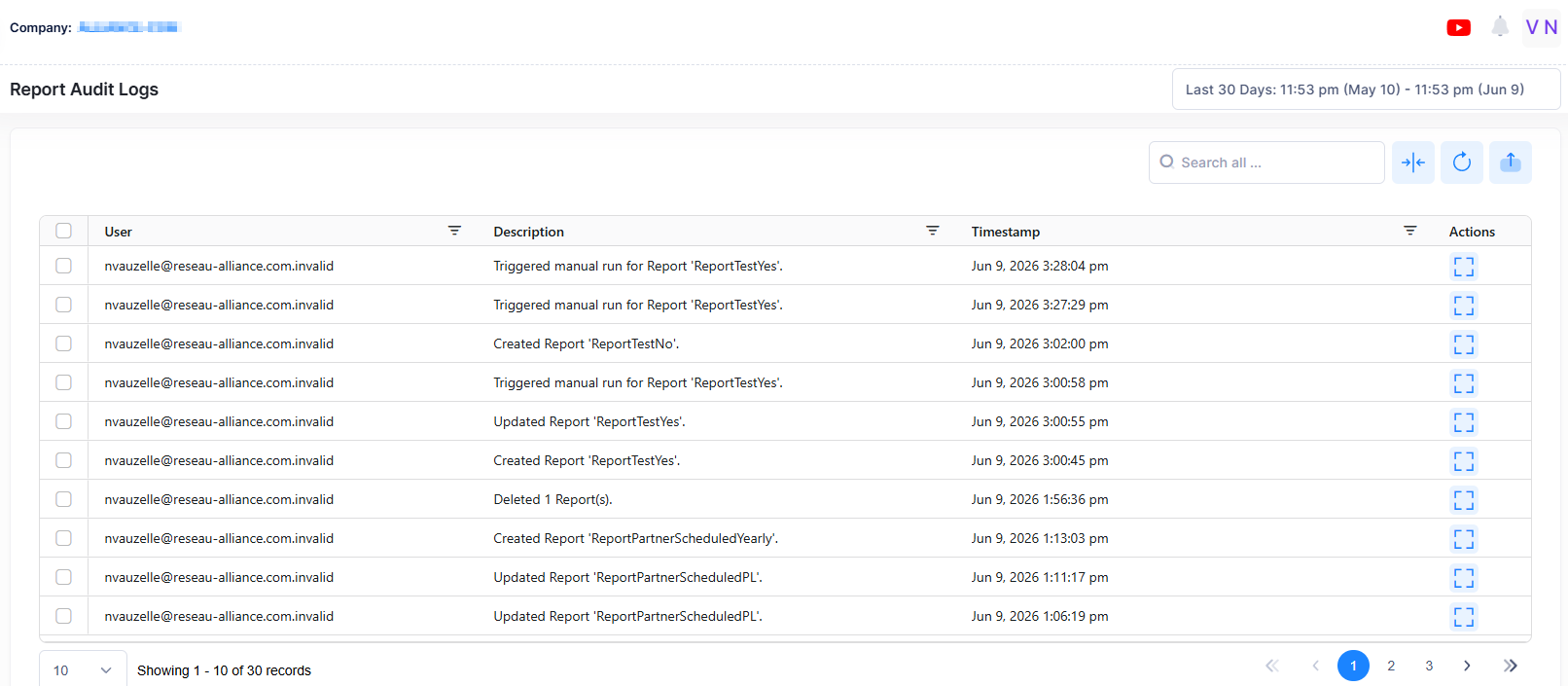
The Report Audit Logs screen displays logs related to report actions, including create, edit, run, and delete. Only users with admin permission can access this page. The system deletes logs after 90 days.
To access the Report Audit Logs screen, click on Report > Audit section of the Fleet Supervision Menu.