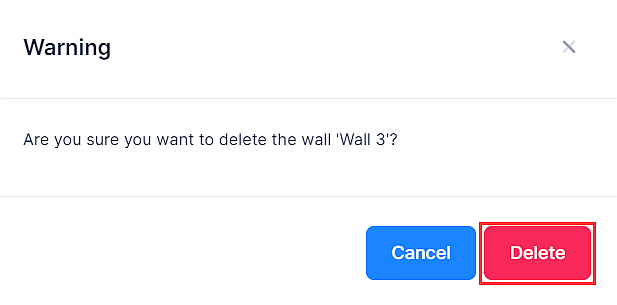
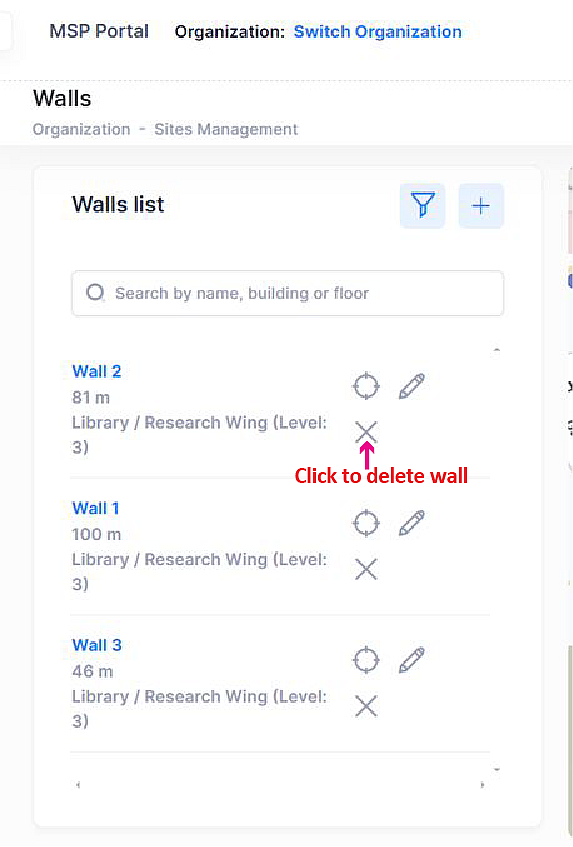
To delete a wall, simply click on delete next to the wall that you want to remove from the floorplan. Click on Delete on the Confirmation Prompt. The wall is removed from the list of walls in the Walls list Widget.
The following screen will appear: