
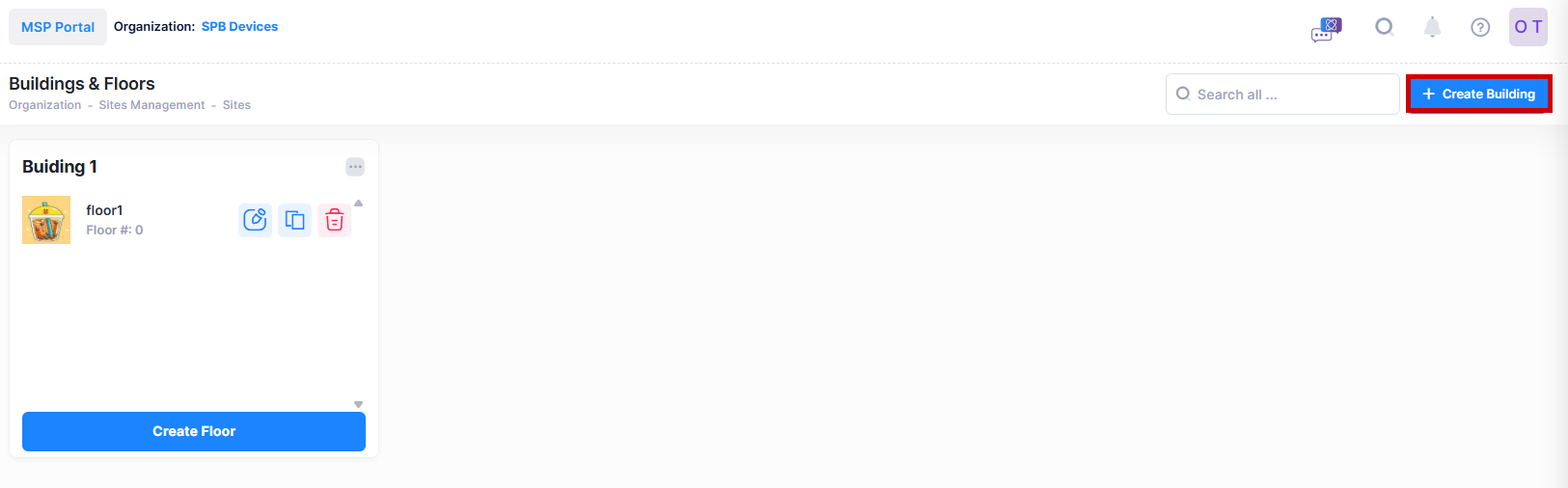
To create a building for an existing Site, click on Create Building to bring up the Create Building form.
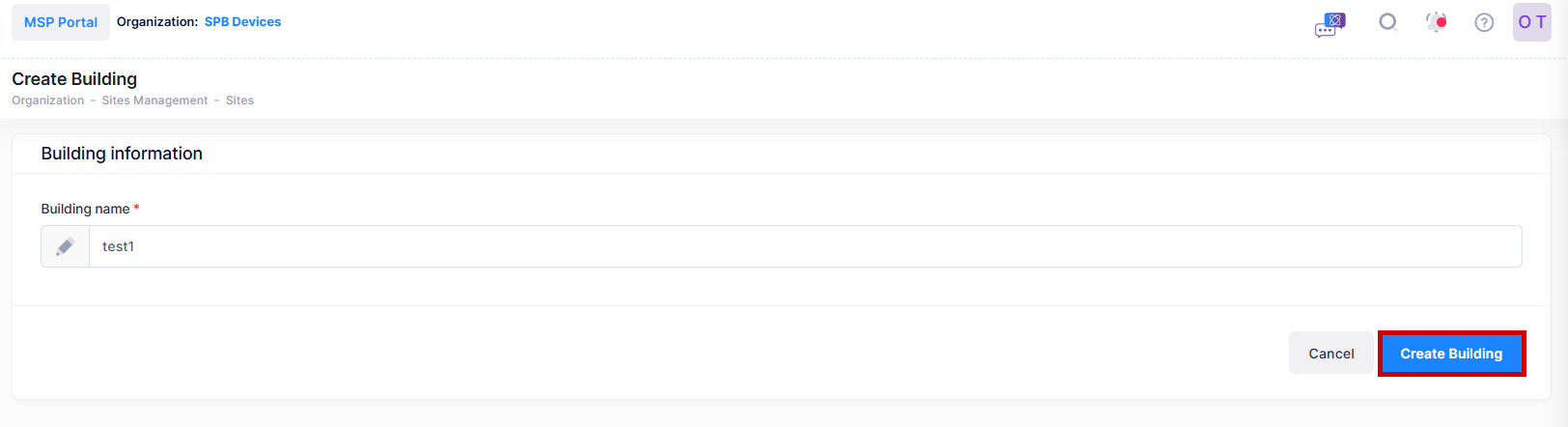
Enter the name you want to assign to the building and click on Create Building.
A confirmation message is displayed to show that your building is created.
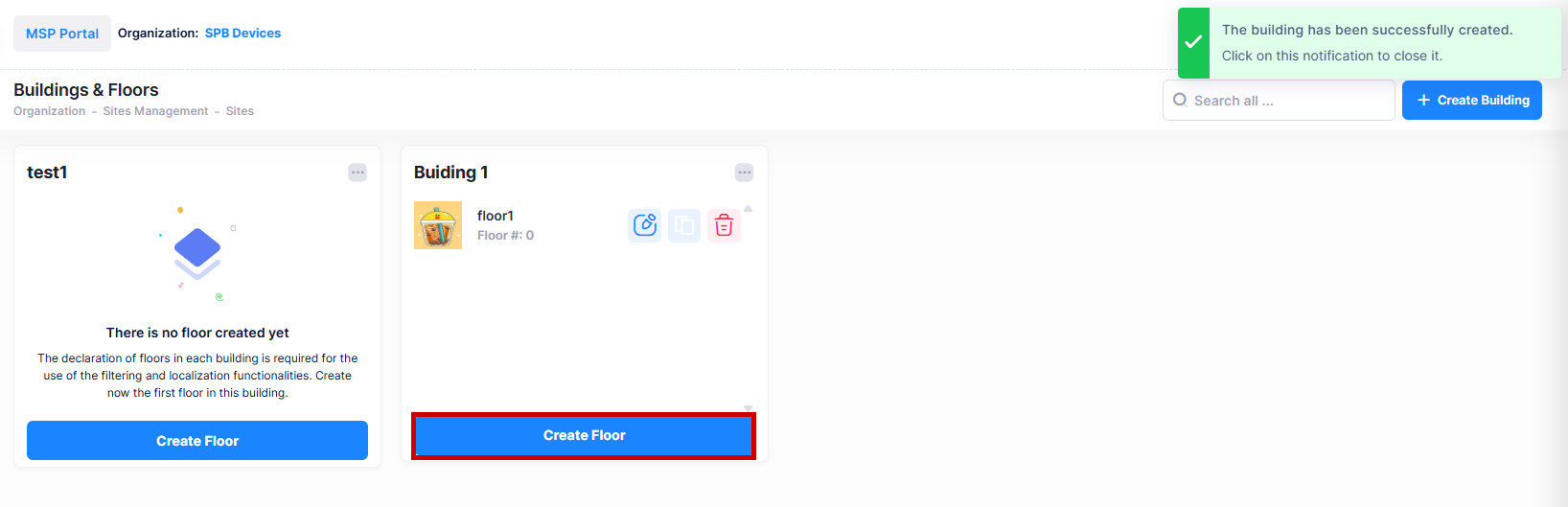
You will be returned to the Buildings & Floor screen, where a widget for the new building has been added.